no triangle studios

[ Services ]

VR Tours

A VR real estate tour lets a buyer walk through a project that does not exist yet. Not a video, not a slideshow. A fully navigable 3D environment built from the same model as the rendering set. For remote buyers, planning authorities, and investors who cannot visit in person, it is the closest thing to being there.

[ What it does ]

What VR tours do for a project.

A still rendering shows the project from one angle at one moment. An animation moves through it along a fixed path. A VR tour puts the viewer inside the project and lets them move through it on their own terms. They go where they want, stop where they want, and spend as long as they need in the spaces that matter to them.

For a buyer deciding on a unit they have not seen, that self-directed experience is more convincing than any curated path. For a planning authority reviewing a complex development, it answers questions about spatial relationships and circulation that drawings and stills cannot. For a capital partner evaluating a project remotely, it communicates scale and quality without requiring a site visit.

Each tour is built from the same 3D model as the rendering set. The materials, the lighting language, and the visual standard are the same. The tour is not a separate product; it is an extension of the visualization work already underway.

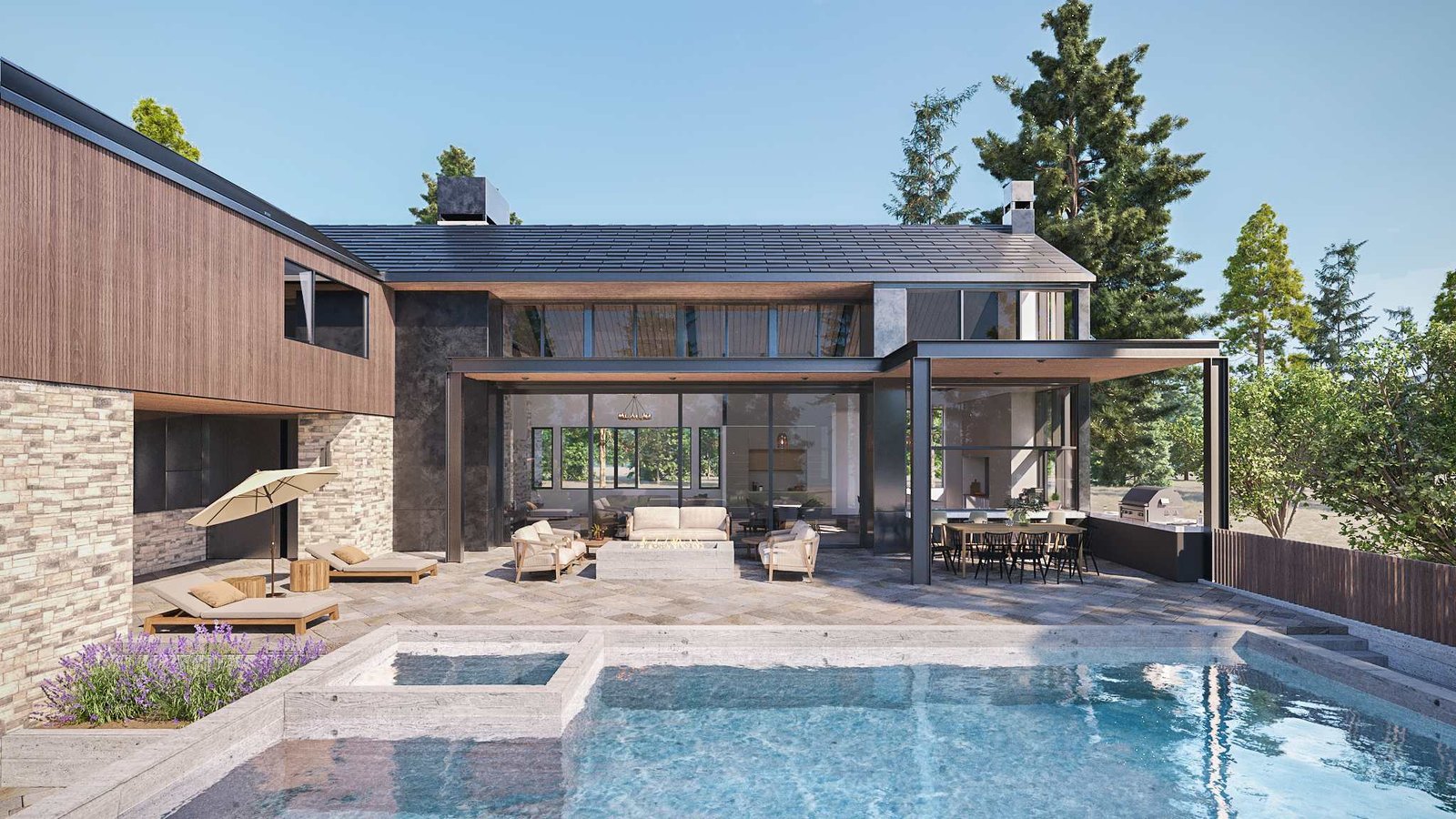
Pre-sales and leasing
Buyers explore the project as a lived environment, not an abstract concept. They navigate between rooms, move from the lobby to the penthouse, and experience the development as if they are already there. Friction in the sales process decreases when buyers can answer their own spatial questions before a conversation begins.
Remote decision-makers
Capital partners, institutional investors, and international buyers who cannot visit the site can evaluate the project in full. A VR tour sent ahead of a presentation means decision-makers arrive with context, not questions.
Planning and approvals
Planning authorities and design review committees can understand massing, circulation, and spatial relationships in a format they can navigate themselves. Clarity in the submission reduces the back-and-forth that slows approvals.

[ Selected work ]

Recent tours.

Live, navigable tours. Walk through the project right here on the page, or open it full-screen for the full experience.

Tour 01

VeLa Development

Charlotte

Open full-screen

Tour 02

Clear Creek Estate

Lake Tahoe

Open full-screen

Tour 03

Driftwood

Residential

Open full-screen

[ Works anywhere ]

Runs on any device with an internet connection.

The tour is a web link. Whoever you send it to opens it in the browser they already have, on the device they already use. No app, no download, no headset required for the basic experience.

That means a buyer can preview the penthouse on the same phone they used to find the listing. A capital partner can walk the lobby on a laptop between meetings. A planning committee member can review massing on a tablet at the desk where they review every other submission. And when a buyer or sales office does have a VR headset, the same tour loads into it directly: a headset is, in most cases, a phone-grade screen plus lenses, and the tour is built for it from the start.

  • Device 01

    Phone

    The most common entry point. Buyers tap a link from email, SMS, or a listing and step inside the project on the screen already in their hand.

  • Device 02

    Tablet

    The sales office and broker preview format. Larger screen, touch navigation, ideal for guided walkthroughs and side-by-side review with a salesperson.

  • Device 03

    Desktop and laptop

    The format investors, planning committees, and remote decision-makers use. Full-screen browser, mouse or trackpad, suited to longer sessions and detailed review.

  • Device 04

    VR headset

    Most consumer VR headsets are, in effect, a phone-grade screen with lenses. The same tour loads into the headset and becomes a fully immersive walk-through, no extra build required.

[ Hosting and offline use ]

Where the tours live, and how you keep control.

For hosting, we strongly recommend running the tour on your own server or domain, so the experience stays under your control and lives where your buyers already are, rather than on a platform you do not own.

Where a sales office or a presentation has to run without reliable connectivity, an offline version can be arranged. As with everything else, we confirm the interface and navigation with you before final production.

[ How they are used ]

The same tour serves different audiences at different stages of the project.

Use 01

Sales office

Installed on a dedicated screen or tablet at the sales office. Buyers navigate the tour themselves during a visit, reducing the time sales staff spend explaining layout and specification. The tour handles the spatial questions; the salesperson handles the relationship.

Use 02

VR real estate tours for remote presentations

Shared with buyers, investors, or capital partners who cannot visit in person. Accessible via a link on any device. Used before calls to give decision-makers context, or sent as a follow-up to a presentation.

Use 03

Project website and online listings

Embedded directly into the project microsite or listing page, the tour becomes the centerpiece of the website. Buyers who land on the page can step inside the project on their own, navigate the spaces that matter to them, and qualify themselves before anyone reaches out. The website stops being a brochure and starts being a sales tool.

Use 04

Planning submission

Included as part of a planning or design review submission. Decision-makers at the authority can navigate the development at their own pace, reviewing spatial relationships and design intent without interpretation.

[ Process ]

VR tours are built from the same 3D model as the rendering set. The model is already built; the tour adds navigability to it. Interface design and navigation structure are reviewed and confirmed before final production, the same logic as keyframe approval in animation. The visual standard, the lighting, and the material language match the rendering set exactly.

See the full process

[ Start here ]

Every project starts with a discovery call.

It is where we understand the project, who needs to see it and where, and whether a VR tour is the right tool for that audience.

Book a call with Eddie